TikiVici Pro
₺700
Monthly
Yearly ₺8,400 ₺7,000
VAT included
We’re in closed beta: create an account and apply; once approved, your access opens. Features may change.
Games your viewers play on your TikTok stream, widgets that dress up your scene, and rules you set up in a few clicks. All in one app.
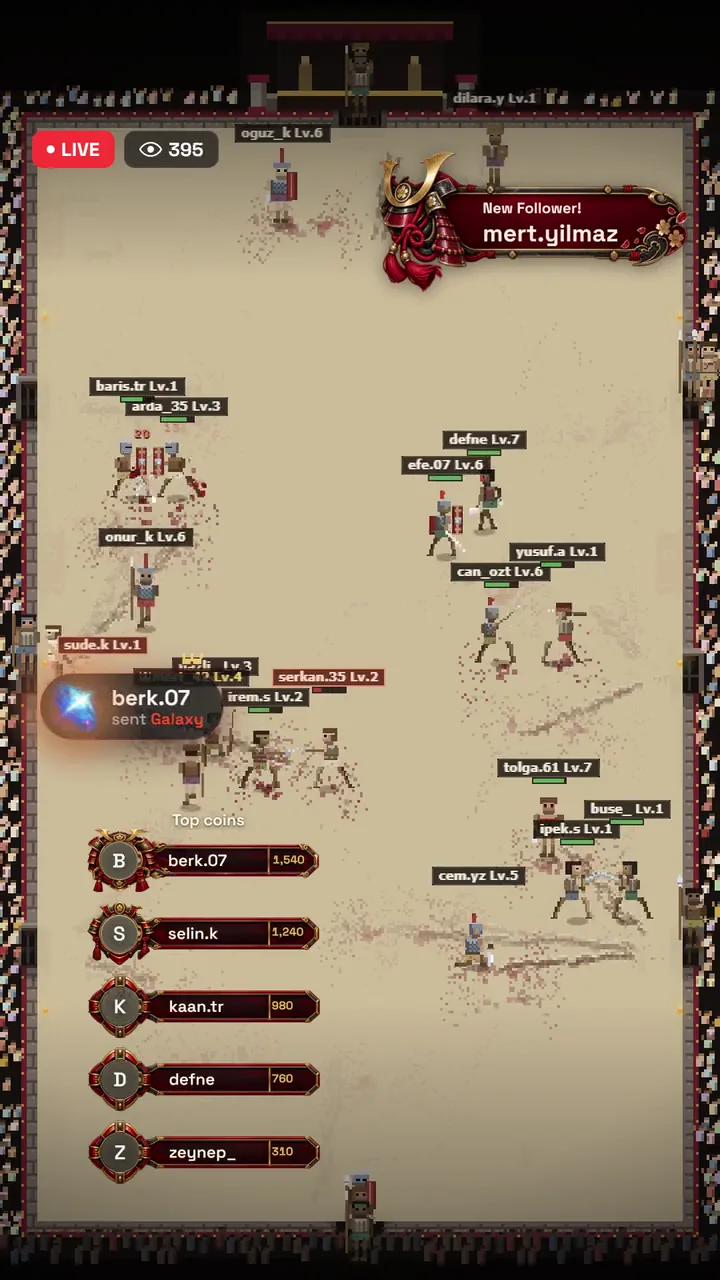
Games
Viewers enter the arena and grow stronger by your rules. Winners level up, the defeated leave the arena.
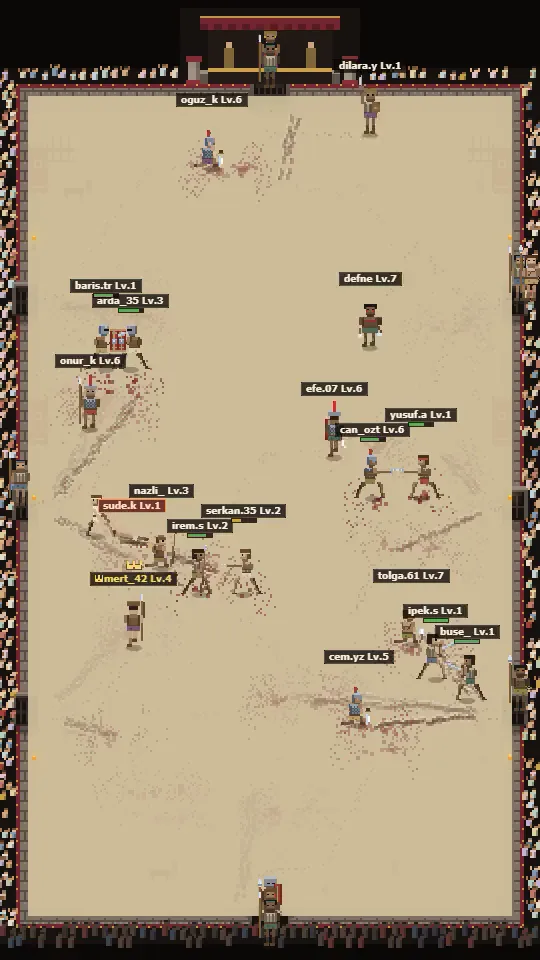
New games and features are on the wayAll included in your package
Every new game and feature added to the library unlocks on your account at no extra cost.
Rule system
Every rule is a single line. Try it here: pick a trigger, then choose an action. This is a visual stand-in for the system in the app.
WIDGETS
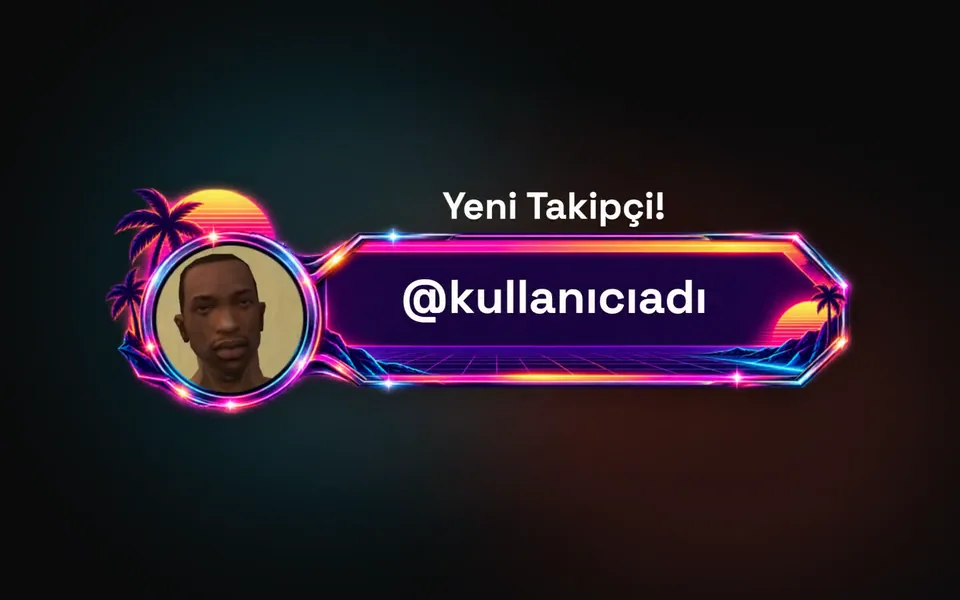
Greet new followers by name, lift your top supporters to the top and show everyone the goal. Each one comes with ready-made designs and goes into LIVE Studio in one click.
One app
With TikiVici you don't need TikFinity or any similar tool running on the side. Our main goal is to put everything you need on stream in a single app.
Pricing
No per-game fee, no bundles, no surprises.
Included
₺700
Monthly
Yearly ₺8,400 ₺7,000
VAT included
We’re in closed beta: create an account and apply; once approved, your access opens. Features may change.
A Windows computer and a TikTok account that can go live from TikTok LIVE Studio. TikiVici reads your stream’s gifts, comments and follows from LIVE Studio, so LIVE Studio has to stay open while you stream.
Not yet. TikiVici only works with streams you start from a computer with TikTok LIVE Studio.
No, TikiVici never asks for it. It reads your stream’s gifts, comments and follows from LIVE Studio on your computer. It does not post comments or share anything for you, and it only puts the games and widgets you add onto your scene.
English and Turkish. You switch the language in settings, and game and widget text follows it.
The games are built to run on the same computer as LIVE Studio; a computer that runs LIVE Studio comfortably is enough. To be sure, run a rehearsal on your own computer before going live.
Yes. Every rule is a single line: a trigger (gift, like, follow, comment, subscription) and an action. You decide what each gift does in the game, and each stream profile keeps its own rules.
The game is the stage itself, the thing your viewers play. A widget is a small tool that sits on top of it, like a follower ribbon, a countdown or a leaderboard. Widgets run on their own, so you can use them without a game.
No, one game is open at a time. Switching games does not drop your TikTok connection.
Yes. “Start rehearsal” in the game panel sends test gifts, follows and likes, so you can see your rules work before you go live.
The game opens in its own window; “Add to scene” in the game panel puts it into your LIVE Studio scene. Widgets go in with one click on “Add to LIVE Studio”.
We are in closed beta. Create an account and apply from your My account page; once you are approved, you get an email and download the app from there.
No. While your package is active, every game added to the library unlocks at no extra cost.
One computer and one TikTok account at a time. Your package is tied to the TikTok account you first go live with. Signing in on another computer ends the session on the old one.
Use “Report a problem” in the app, and add a screenshot if you like. Our reply arrives in the app’s Notifications.